- No viruses
- No spyware
- No malware
com.mxtech.videoplayer.proThis file was downloaded, scanned and installed by our editors before publishing.

MX Player Pro MOD APK (Unlocked, No Ads)
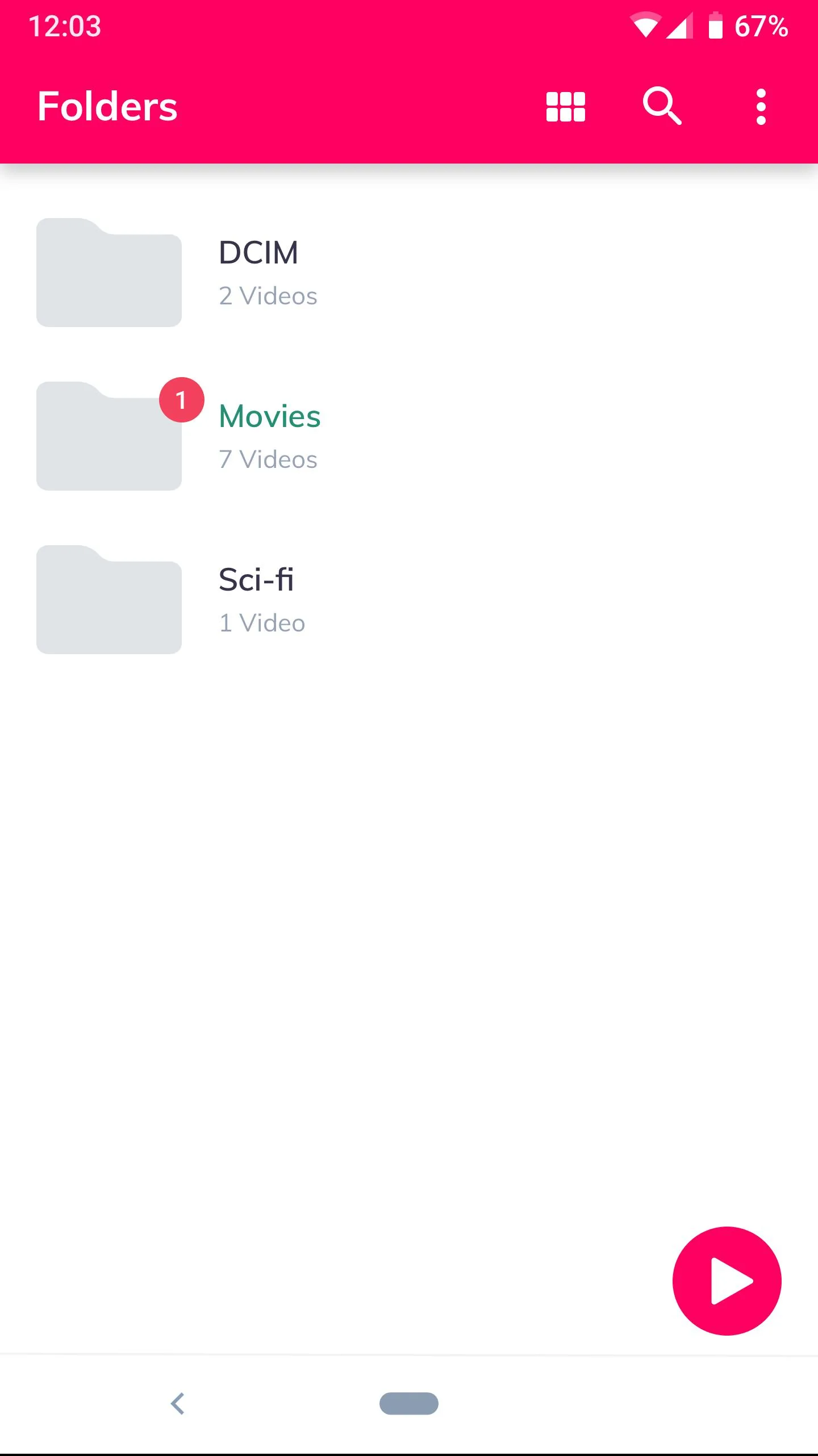
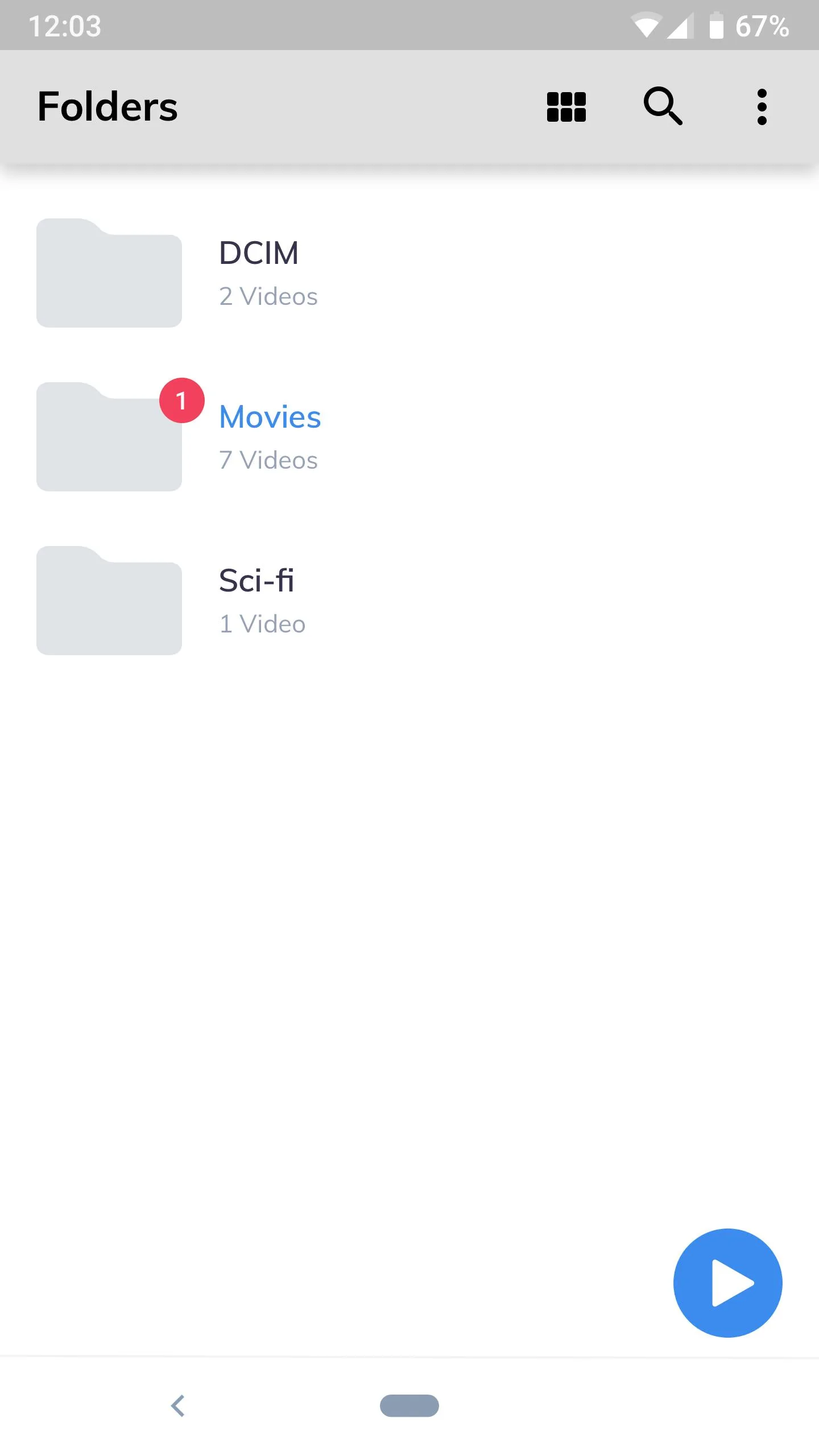
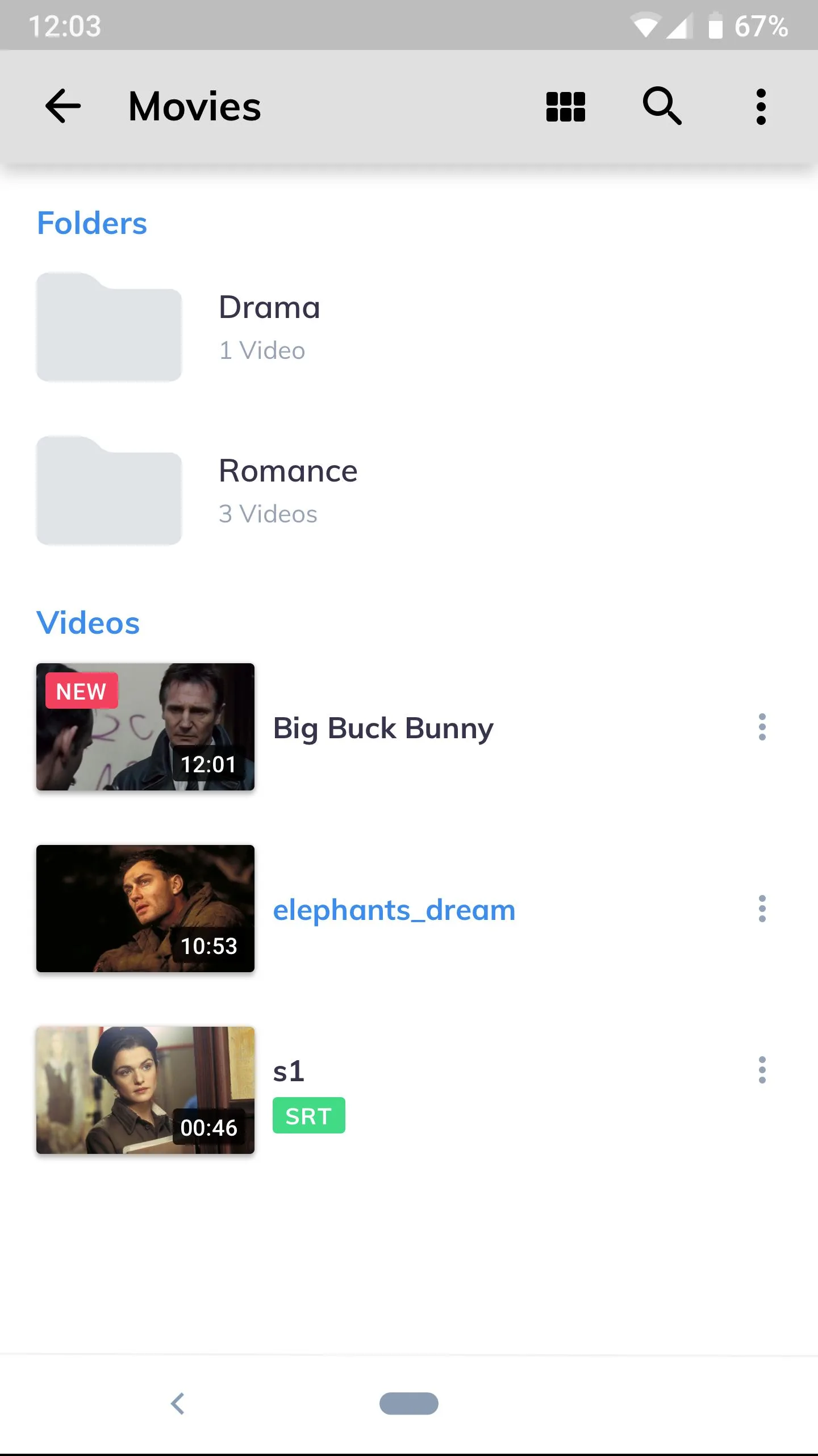
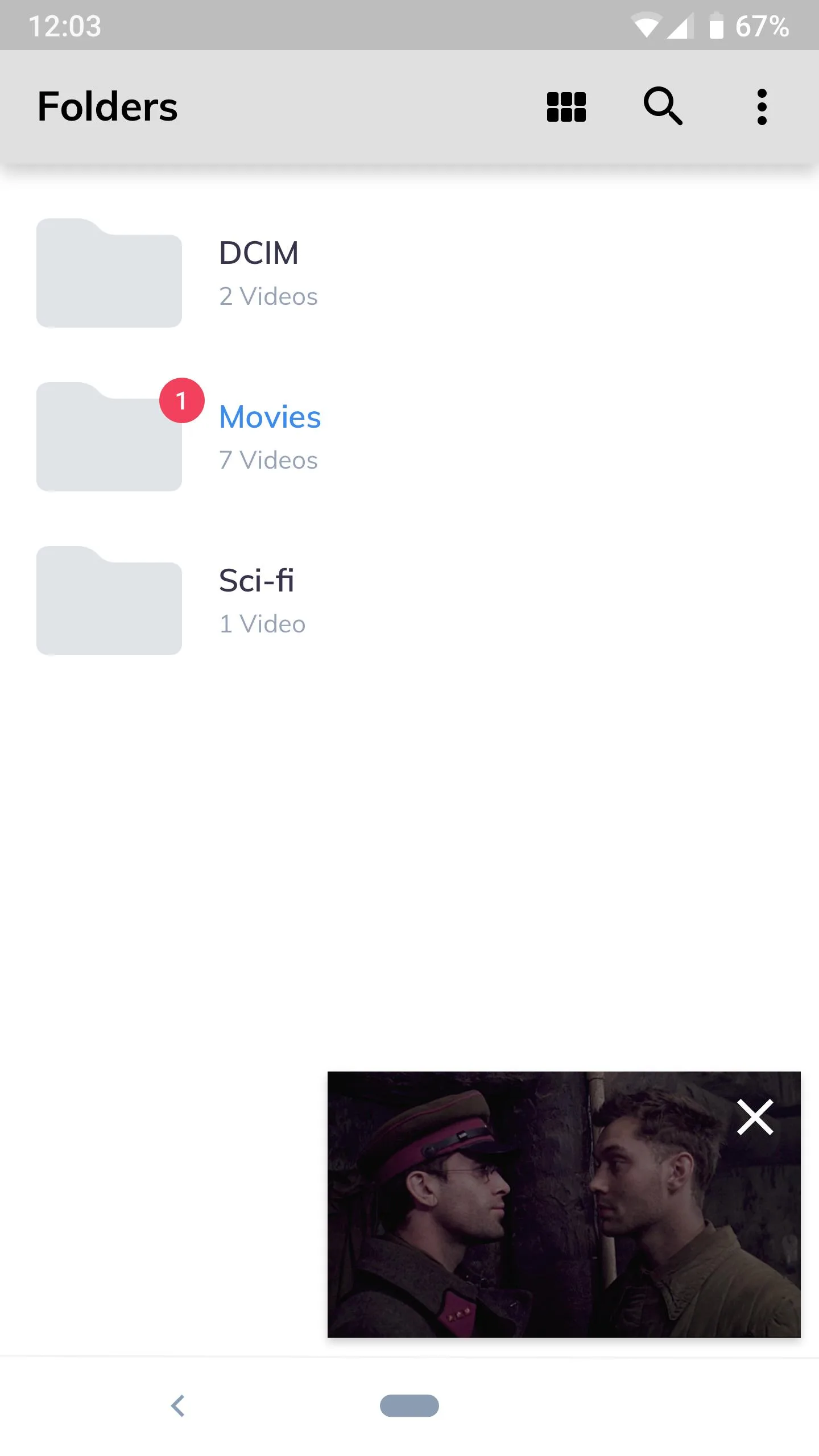
Additional information about MX Player Pro MOD APK (Unlocked, No Ads)
com.mxtech.videoplayer.proThe description of MX Player Pro MOD APK (Unlocked, No Ads)
MX Player Pro MOD APK is the ad-free, Pro-unlocked build of one of the best-known video players on Android. It plays your own video files with hardware and multi-core decoding, gesture controls and support for 10+ subtitle formats. To be clear up front: this is a local media player. It does not host or supply any movies or shows, it just plays the files you already have on your phone or your network.
The MOD side is simple. You get no ads and the Pro client features unlocked, nothing more exotic than that. The file on this page is scanned for malware and installed on a real Android device by our editors before publishing, we have done this since 2018.
What is MX Player Pro?
MX Player is an advanced video player built by MX Media (formerly J2 Interactive). It reads almost every format you throw at it, MKV, MP4, 3GP, AVI and more, and it decodes with hardware acceleration plus multi-core software decoding for the heavier files. That combo is why it stays smooth on both cheap phones and flagships.
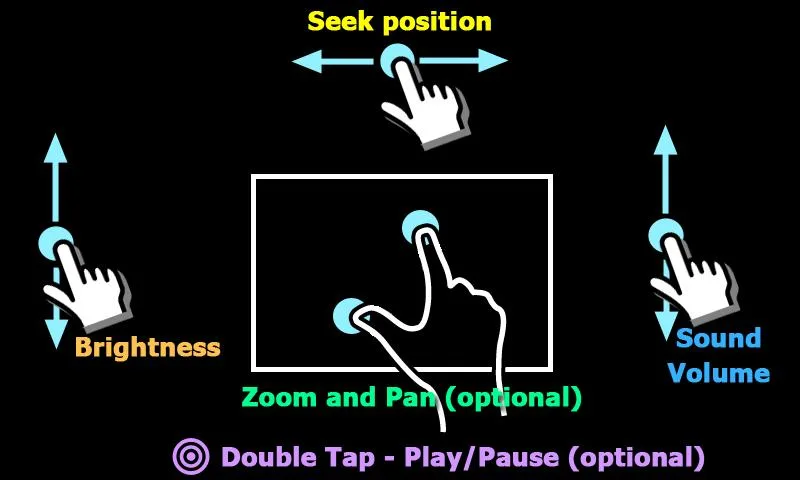
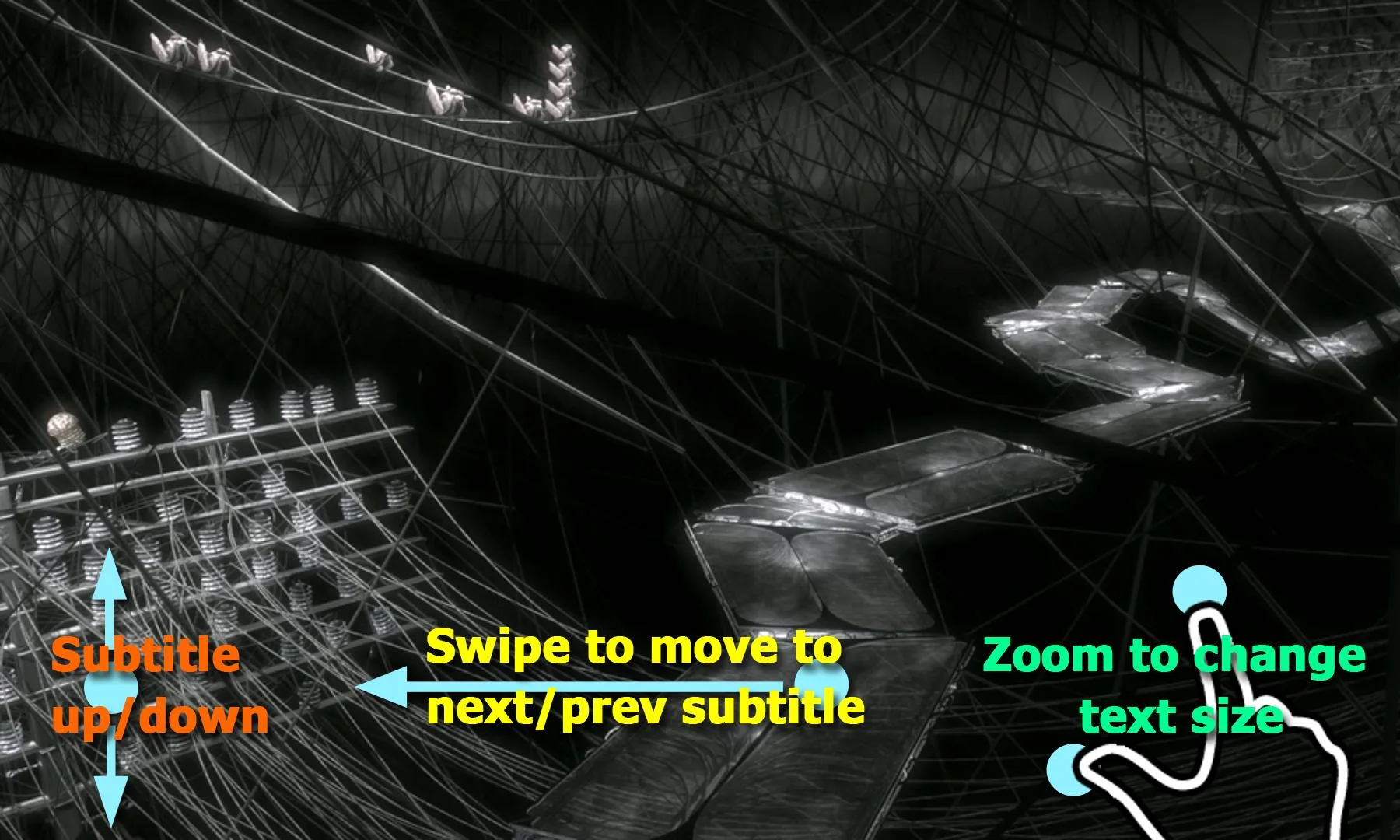
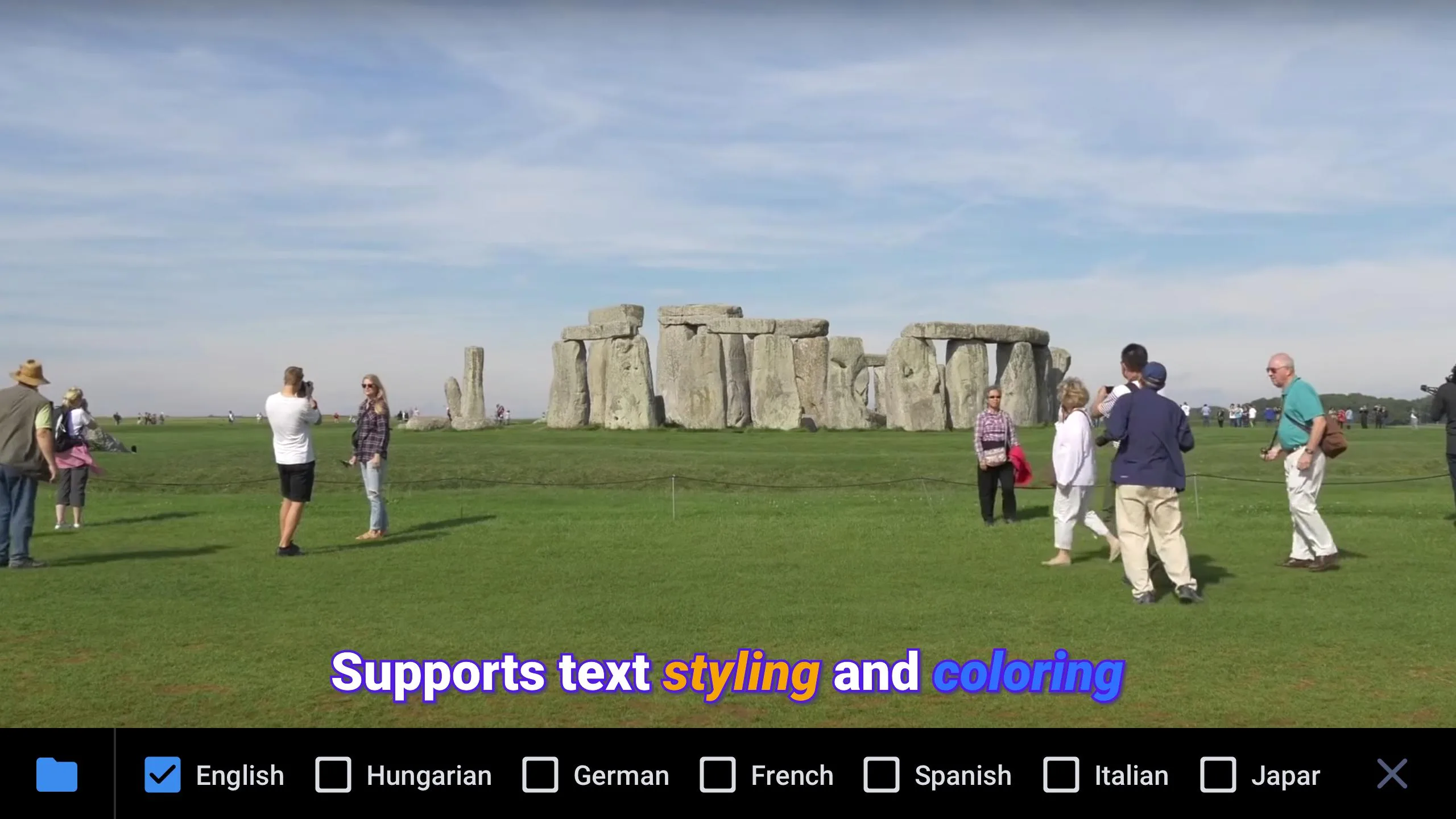
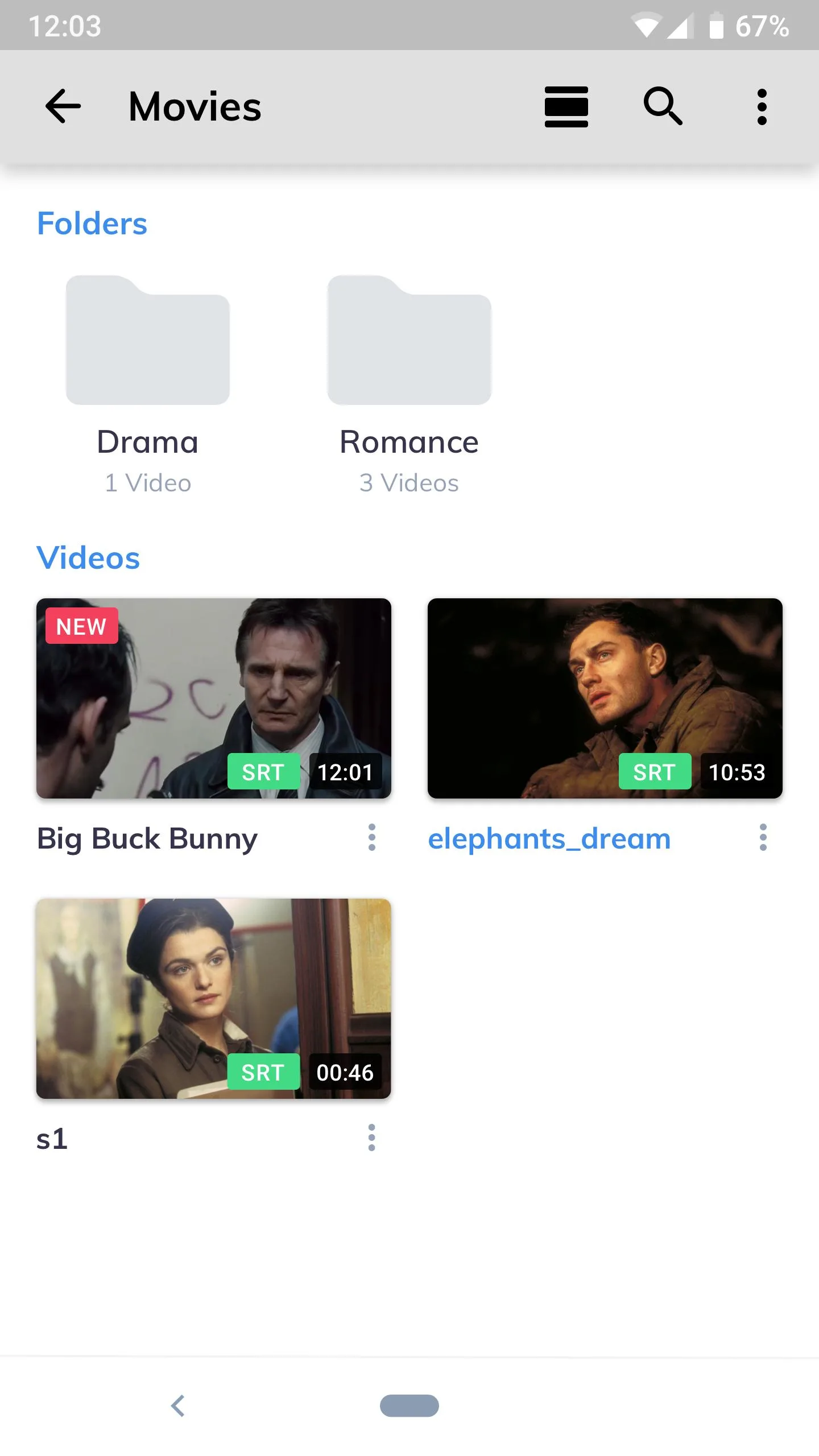
Subtitles are a strong point. It handles 10+ subtitle formats, lets you scale and shift the timing, and you can drop in an external subtitle file when the built-in one is off. Gestures cover the basics you actually use: swipe for brightness on the left, volume on the right, and drag across the screen to seek. It also plays from your local library or over the network, so a movie sitting on a NAS or a shared folder opens the same way a local clip does.
What the MOD/Pro gives you
| MOD/Pro feature | What it changes in the app |
|---|---|
| No ads | The banner and interstitial ads from the free version are gone, so playback and browsing stay clean. |
| Pro unlocked | The paid client features are switched on from the first launch, no separate purchase. |
| All gestures and settings | Brightness, volume, seek, zoom and the full playback settings are available and adjustable. |
| Subtitles & audio tracks | Load multiple subtitle formats and switch between embedded audio tracks in one tap. |
One honest note. What the MOD unlocks are client-side Pro features of the player, not a "crack" of any media content. There is no film library hidden inside, and nothing here downloads shows for you. You bring the files, the player handles the rest.
Pro vs free version (honest)
MX Player also has a free build, package com.mxtech.videoplayer.ad, and it is close to the Pro one in what it can do. Both decode the same formats, both read the same subtitles, both use the same gestures. The main difference you will notice day to day is ads: the free version shows them, Pro does not.
Here is the part worth knowing. Sales of MX Player Pro on Google Play have been paused, and the Pro listing is hidden from Play search. People who bought it earlier can still get a manual build from the developer's own site, but for most users the practical choice today is the free ad-supported version on Play, or the ad-free unlocked APK on this page. No server login is involved either way, this is a standalone player.
How to download and install MX Player Pro MOD APK
The download is a single APK, around 118 MB, and it runs on Android 7.0 and up. Everything starts from this page.
- Tap the green Download button at the top of this page, the file downloads directly, no registration or SMS.
- Allow installation from unknown sources for your browser or file manager (Settings → Security).
- If a conflicting MX Player build is already installed with a different signature, remove it first, otherwise the APK won't install over it.
- Open the file, tap Install, then launch the app.
- On first run, point it at the folder where your videos live so they show up in the library.
First time sideloading an APK? Our APK install guide walks through the same steps with screenshots.
Tips
- Hit a rare format that stutters or shows no audio? Let the app download its extra codec pack when it prompts you.
- Turn on the HW+ decoder in settings for tougher files, it offloads more work than plain hardware mode.
- Use the swipe gestures instead of the on-screen buttons: left edge for brightness, right edge for volume, drag to seek.
- Got a subtitle that doesn't match? Load an external .srt or .ass file and nudge the timing until it lines up.
Is it safe / legal?
The player itself plays your own files, so there is no media piracy involved, you supply the content and it just reads it. That said, an APK is only as safe as where you get it, so install from a source you trust and skip random mirrors. If you would rather grab the official free build, the ad-supported version sits on Google Play. Want other options? Browse our video players or the wider tools section for more picks.
FAQ
What does the MOD/Pro unlock?
Is MX Player Pro still sold on Google Play?
Pro vs free, what's the difference?
What formats and subtitles are supported?
Is it safe and legal?
What are the size and requirements?
Download MX Player Pro Mod (Unlocked)
- No viruses
- No spyware
- No malware
The reviews (0)